
Voice Memos, rebuilt.
It never loses a take.
Same screens, gestures and animations as iOS 27. Open source, in SwiftUI.
“it looks good. but do anything complicated with it and it probably breaks.”
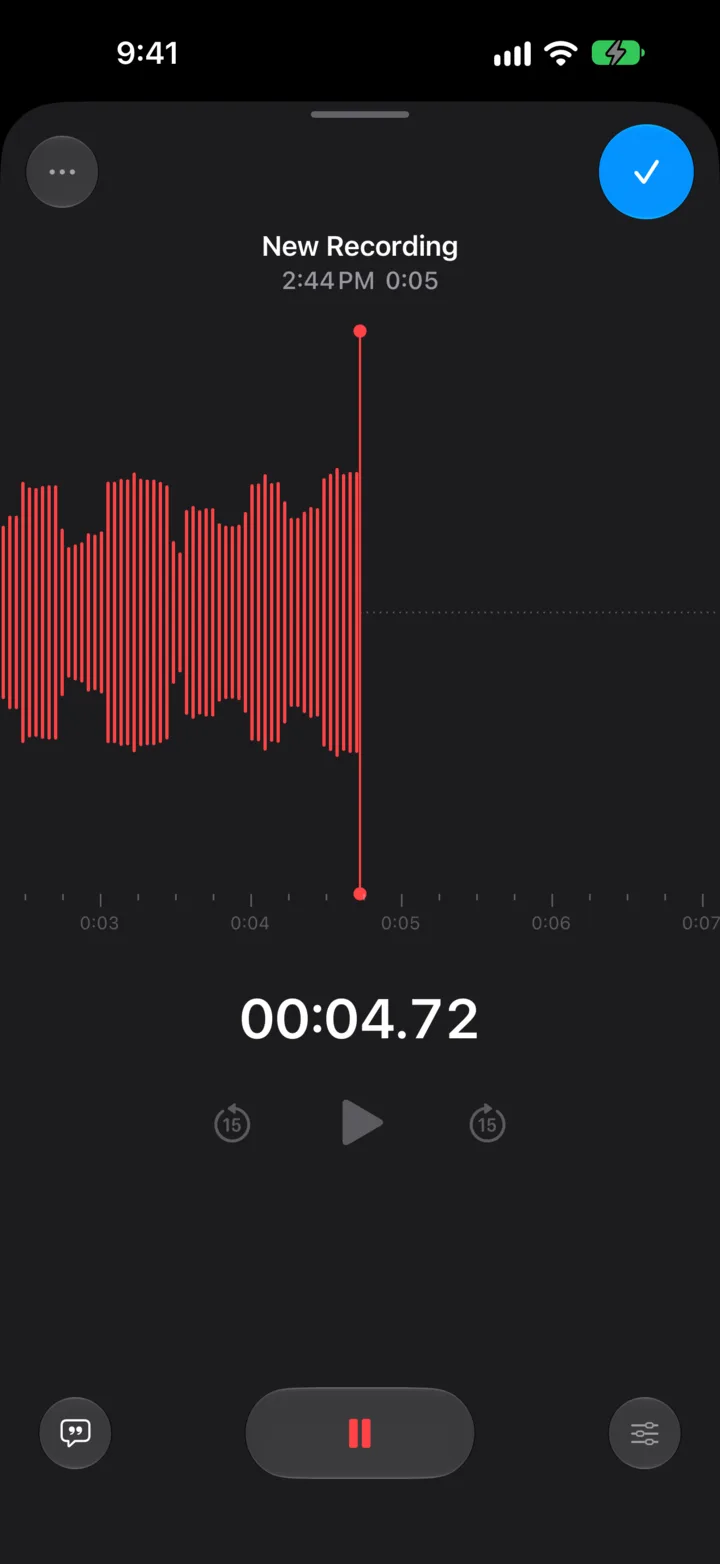
Stop is instant.
The file closes the moment you tap stop, and the take is in the list before the sheet finishes collapsing. There's no “Saving…” to get stuck on.1

Every take hits the disk as you record.
If the app dies mid-recording, the next launch finds the file and puts it back in your list. A call or Siri pauses the take and keeps everything so far.
300 takes in a row.
A test records, stops and starts again 300 times, and checks every take is there at the right length.2 A UI test does the same through the real app.
Frame for frame with iOS 27.
Built against 60 fps footage of the real app, frame-counted, plus Apple's own iOS 27 strings. Tap record and the card rises with no overshoot, like Apple's.3


The rest of the app, screen for screen.
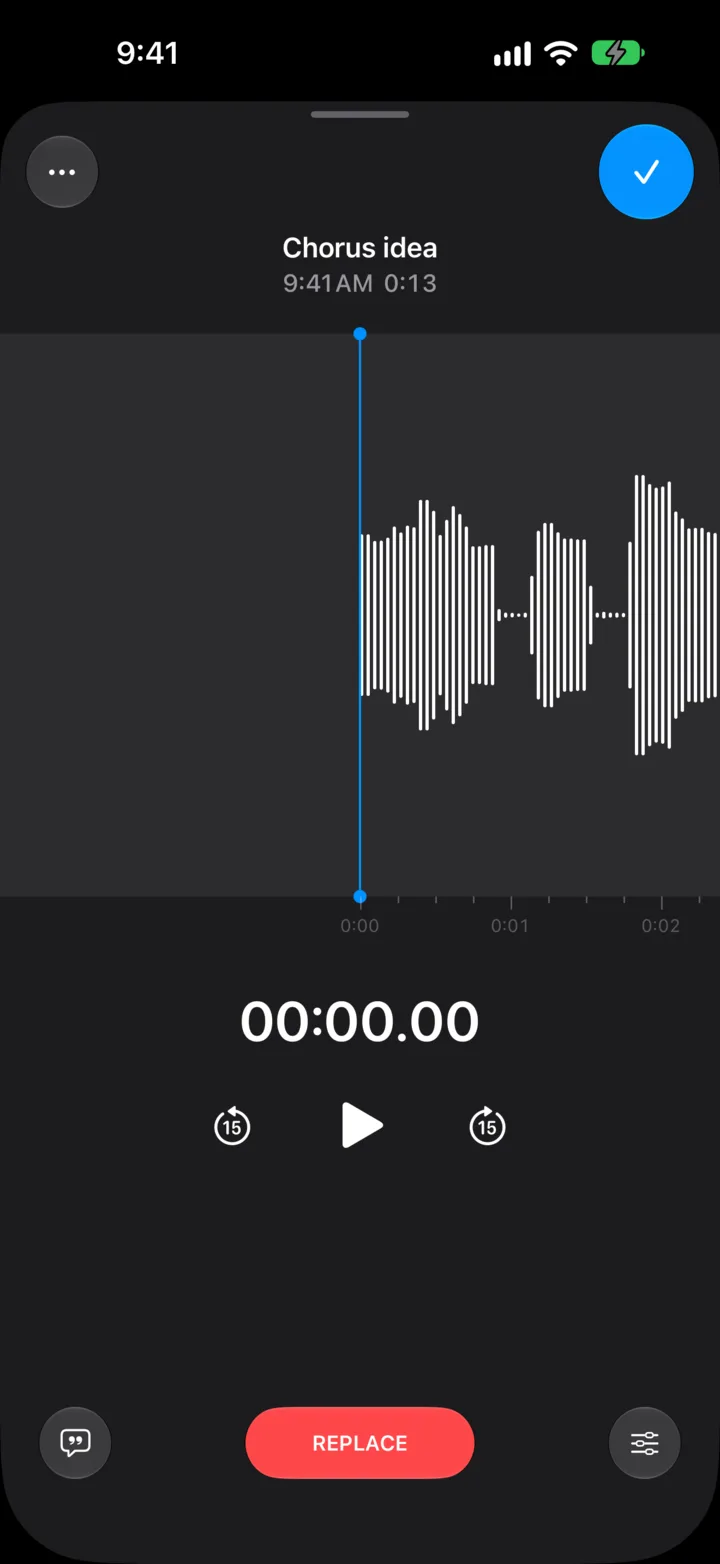
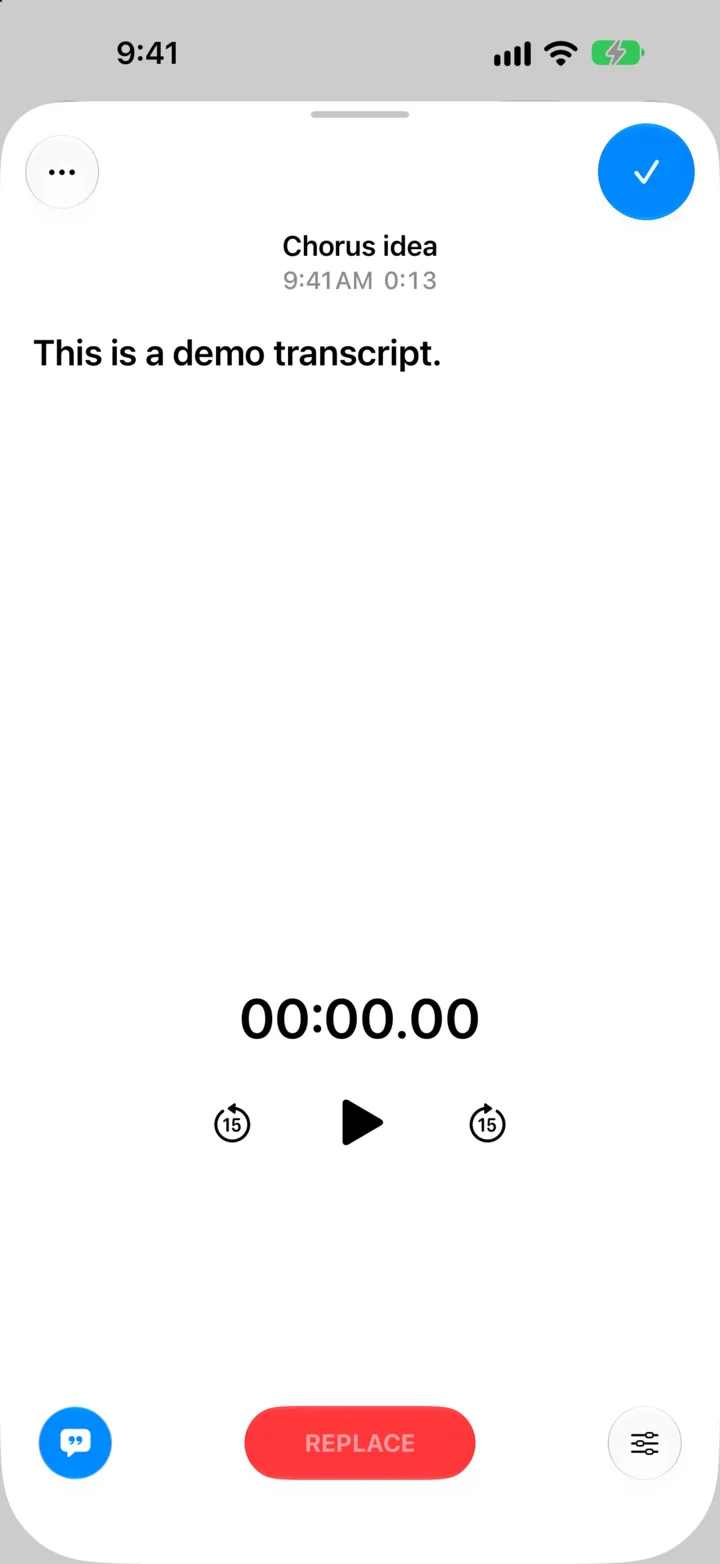
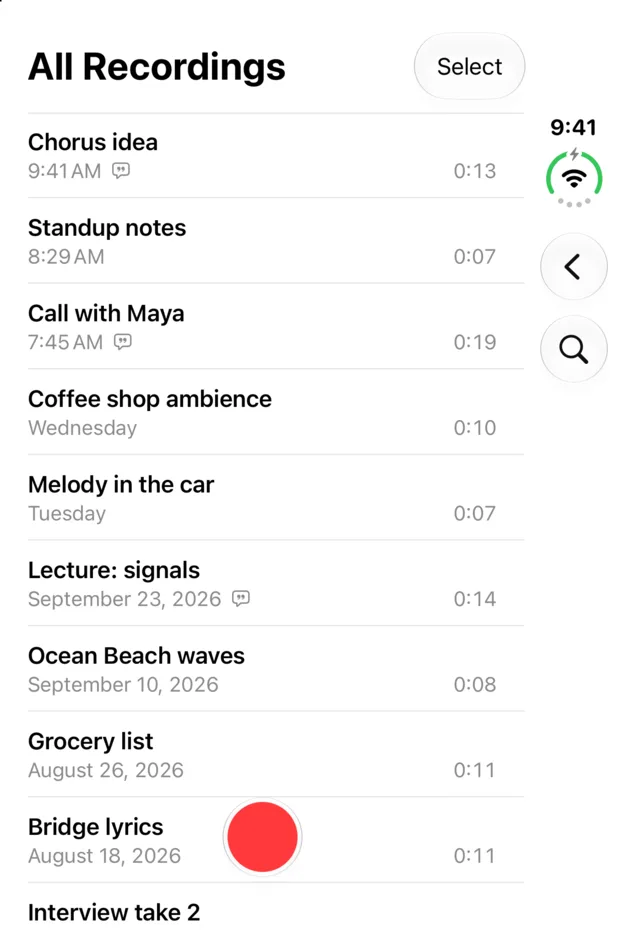
Trim, Replace from the playhead, transcripts that write themselves while you record.


iPhone, iPad and iPhone Duo.
The iPad gets the split view. The Duo gets both screens, closed and open.


In
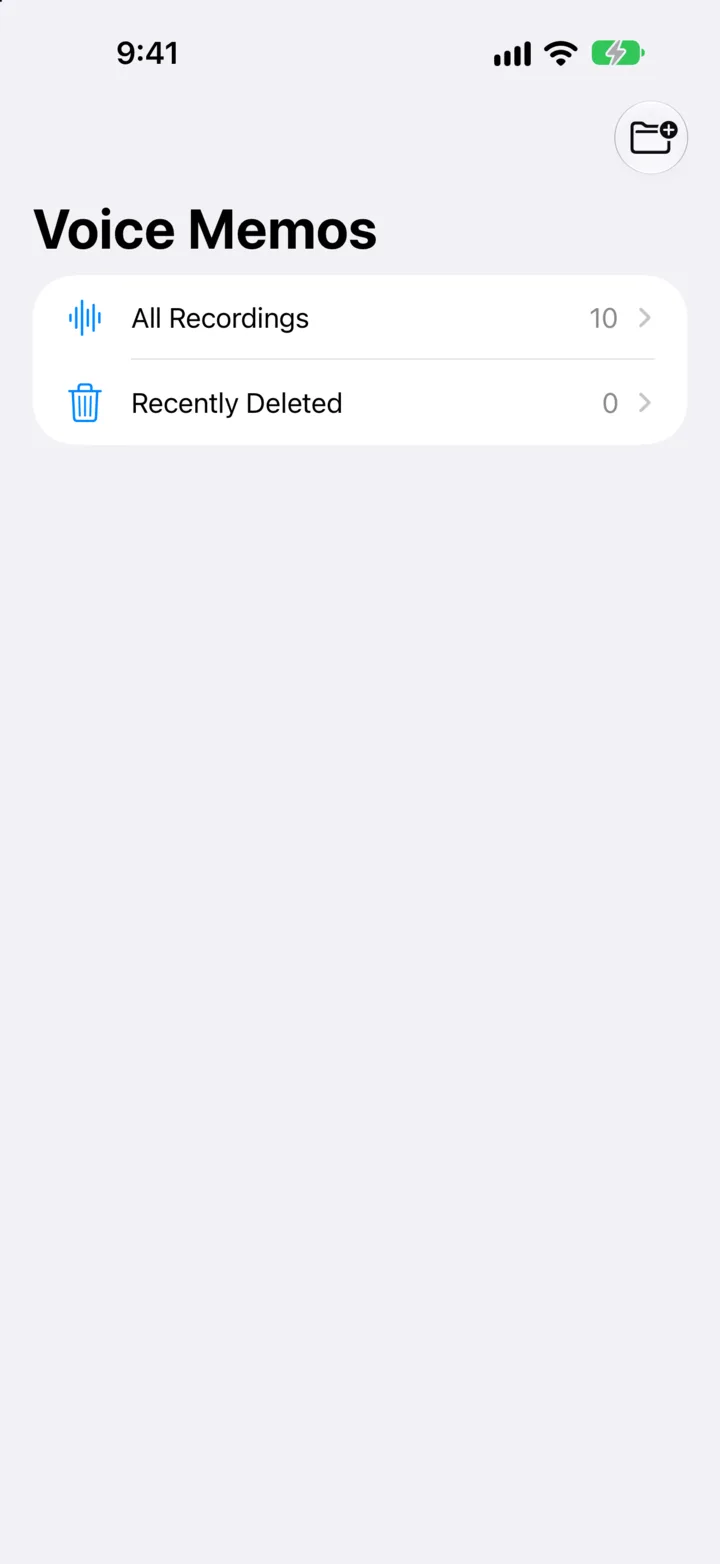
The list with its inline player, the record card and full sheet, pause and resume, Replace from the playhead, trim and delete with Save or Save as New, playback speed, Skip Silence, Enhance Recording, on-device transcripts (live while recording), folders, Favorites, Recently Deleted, search across titles and transcripts, rename, duplicate, share, the iPad split view, Live Activity and Dynamic Island, a Control Center button, and Settings.
Not yet
Layered recordings, Spatial Audio and Studio Sound (they need iPhone 16 Pro and 18 Pro mics), iCloud sync, Apple Watch.
Build it yourself.
You need Xcode 27 (27.1 for the iPhone Duo simulator). Launch with -demo for a sample library and a fake microphone.
git clone https://github.com/AVGVSTVS96/retake
cd retake
brew install xcodegen
xcodegen generate
open Retake.xcodeprojA retake is recording it again. That's exactly where Voice Memos falls apart, so it's what this one is built around.